Topics
2. Navigating iCare
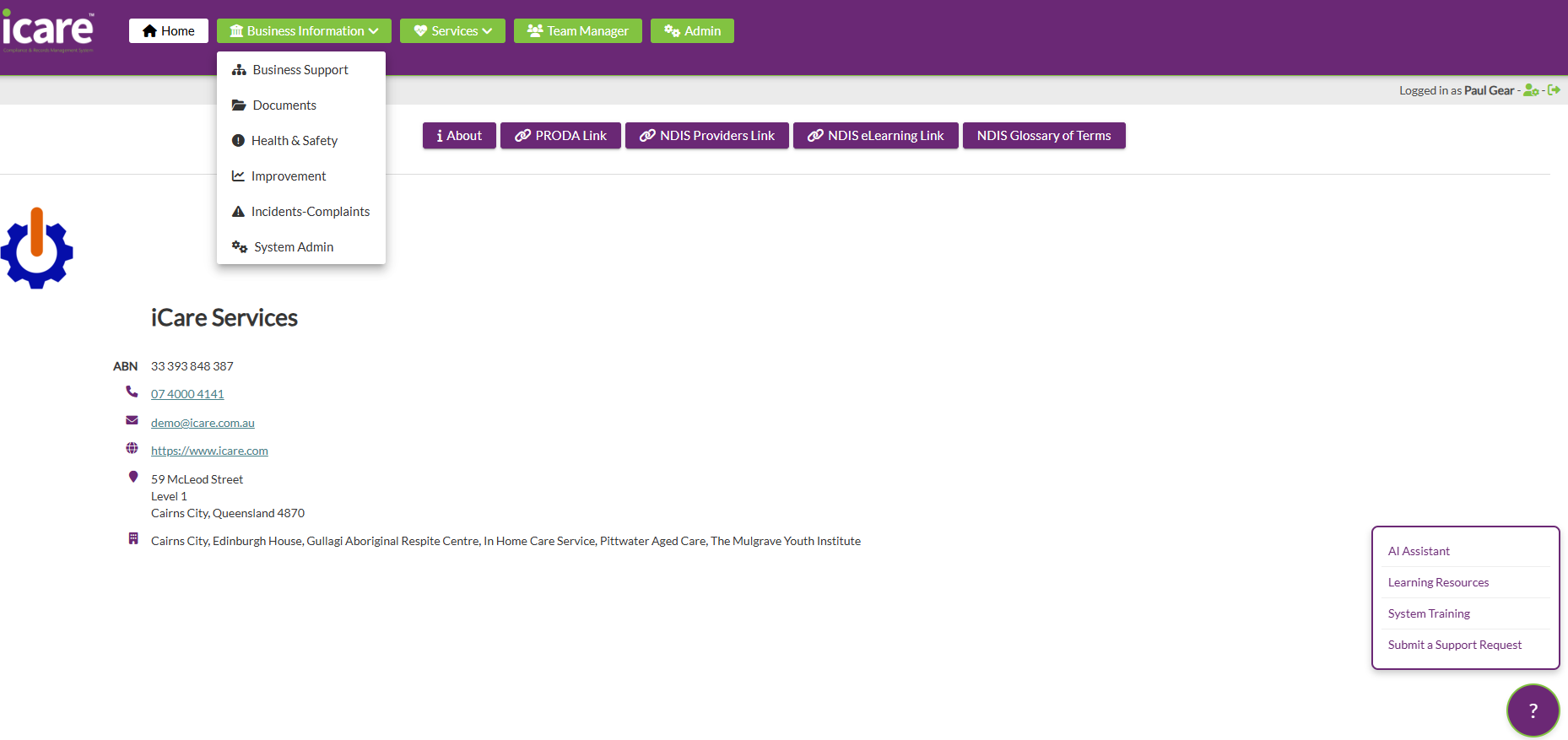
Whilst we have developed a simple user interface for a consistent experience, there’s lots of places to visit and things to do across the whole iCare application. So learning the basics of how to get around and jump across modules or pages is important. So Topic 2 – Navigating iCare will help you learn how to get around the system and what things mean. You can either follow along by scrolling through the content in the centre column, jump to a completely new category in the right column or jump amongst topics in the left column. It’s entirley up to you.
Content
Introduction
iCare was developed for two main user groups – those that are mostly working from the office on a desktop PC, especially when they have more on an administration role and then those users who you could say are more mobile based. These users are usually support workers that need access to iCare via their mobile phones or sometimes a tablet.
This means that mobile users need easy access to the tools they use to carry out their duties every day.
Desktop users generally have a need to access a wider range of functions, modules and pages (more on what they mean later). However, mobile users get full functions and access when they log in from a desktop PC too.
But rest assured, no matter how you access iCare, you are logging into the same system – just with different views. So this module will discuss both navigating via desktop and mobile. Feel free to jump into which suits you first.
iCare system names
Module
Page
Form
Inline Editing
Branding Collateral
Etiam quis blandit erat. Donec laoreet libero non metus volutpat consequat in vel metus. Sed non augue id felis pellentesque congue et vitae tellus. Donec ullamcorper libero nisl, nec blandit dolor tempus feugiat. Aenean neque felis, fringilla nec placerat eget, sollicitudin a sapien. Cras ut auctor elit.
Client Handoff
Vivamus id gravida mi, nec ullamcorper purus. Suspendisse ut nibh sagittis lacus viverra aliquam. Praesent ac lobortis mauris, non imperdiet quam. Praesent laoreet elit nisi, id feugiat ante accumsan sed. Vestibulum ante ipsum primis in faucibus orci luctus et ultrices posuere cubilia curae.